testo Smart Probes14.37.3.10007
Publisher Description

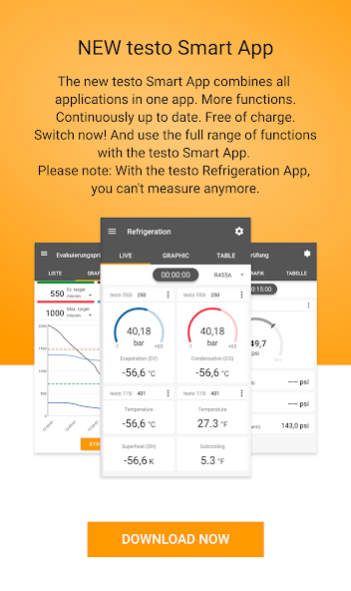
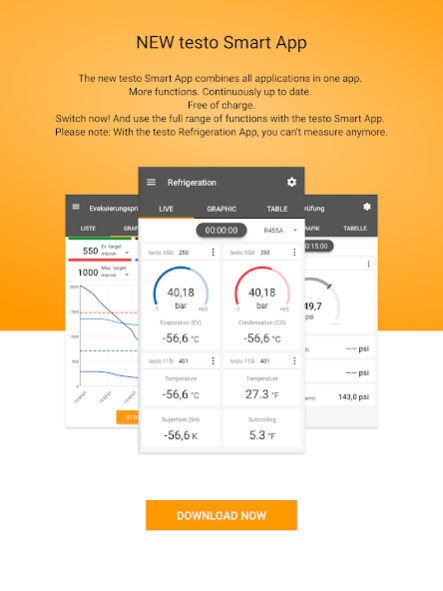
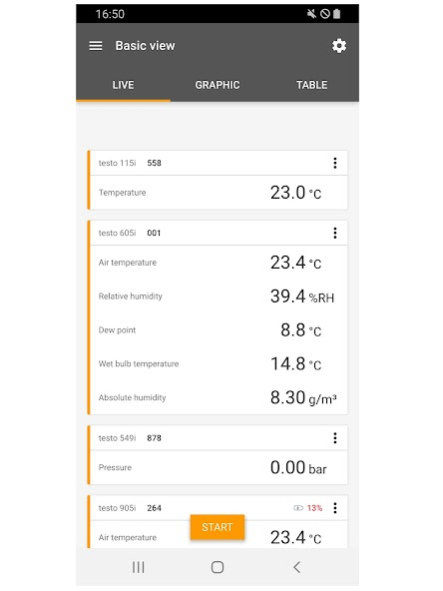
The testo Smart Probes APP makes your mobile device to a remote control and measurement data centre.
Application specific menus (e.g.):
- AC + Refrigeration: automatic calculation of system parameters, like superheat or subcooling
- Volume Flow (outlet / duct): easy set up of your measurement and performing a punctual or continuous measurement.
- IR Temperature and Mould Indication: contactless temperature measurement with fast photo documentation and detection of areas with mould risk.
Features:
- Control and monitor the Smart Probes via Smartphone / Tablet wireless
- Monitor trendings via APP and record and send them as an excel sheet (.csv)
- Create and send .pdf-reports, incl. picture of the measurement location
- Use up to six smart probes at the same time
- Wireless range of appr. 15m (depends on mobile device used)
Preconditions for using:
- Use a testo Smart Probe (testo 115i, testo 405i, testo 410i, testo 510i, testo 549i, testo 605i, testo 805i, testo 905i)
- Requires Android 4.3 or newer, plus mobiles end device with Bluetooth 4.0 LE
About testo Smart Probes
The company that develops testo Smart Probes is Testo SE & Co. KGaA. The latest version released by its developer is 14.37.3.10007.
To install testo Smart Probes on your Android device, just click the green Continue To App button above to start the installation process. The app is listed on our website since 2022-11-09 and was downloaded 237 times. We have already checked if the download link is safe, however for your own protection we recommend that you scan the downloaded app with your antivirus. Your antivirus may detect the testo Smart Probes as malware as malware if the download link to de.testo.smartprobesapp is broken.
How to install testo Smart Probes on your Android device:
- Click on the Continue To App button on our website. This will redirect you to Google Play.
- Once the testo Smart Probes is shown in the Google Play listing of your Android device, you can start its download and installation. Tap on the Install button located below the search bar and to the right of the app icon.
- A pop-up window with the permissions required by testo Smart Probes will be shown. Click on Accept to continue the process.
- testo Smart Probes will be downloaded onto your device, displaying a progress. Once the download completes, the installation will start and you'll get a notification after the installation is finished.
Program Details
System requirements
Download information
Pricing
Version History
version 14.37.3.10007
posted on 2022-11-09
Transfer of the full functionality to the Testo Smart App
version 6.19.0.5861
posted on 2018-07-13
- It is now possible to set the zooming of the trending diagram dynamically
- Bugfixes
version
posted on 2018-02-06
• New application: „Differential temperature (Delta T)
• In the view of the application „Cooling / Heating Load“, the drybulb and wetbulb temperature will be shown simultaneously
• Integration of the current volume flow measurement into the Cooling / Heating Load -calculation
